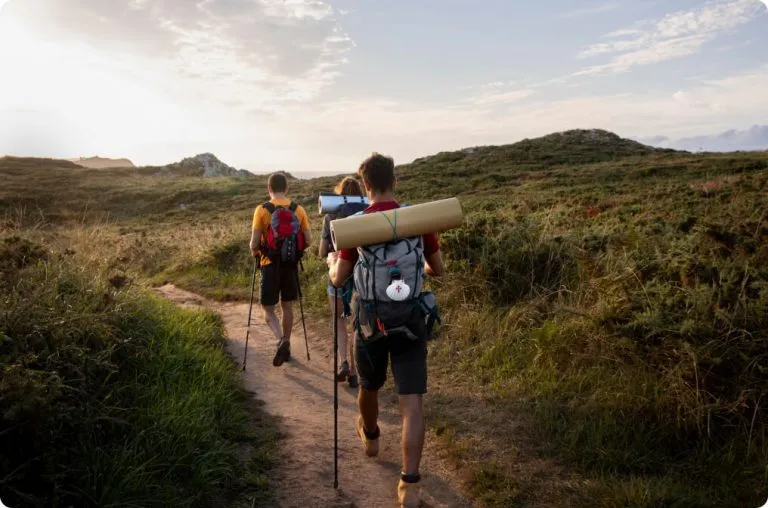
Plan it
Line up restaurants, sights and excursions by day. Friends on the trip vote on what makes the cut.
Plan the places, book the flights and hotels, and keep every photo from the road. Wander Off is the travel app that holds the whole adventure, before, during and after.


Free on iPhone and Android.

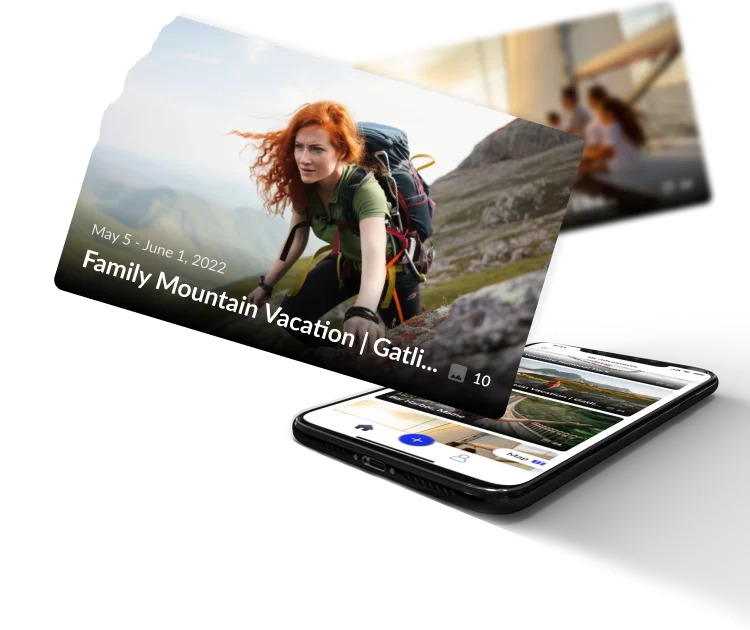
Open a friend's adventure or a creator's itinerary and tap Copy this trip. Their places land on your dates, ready to vote on, change and book.
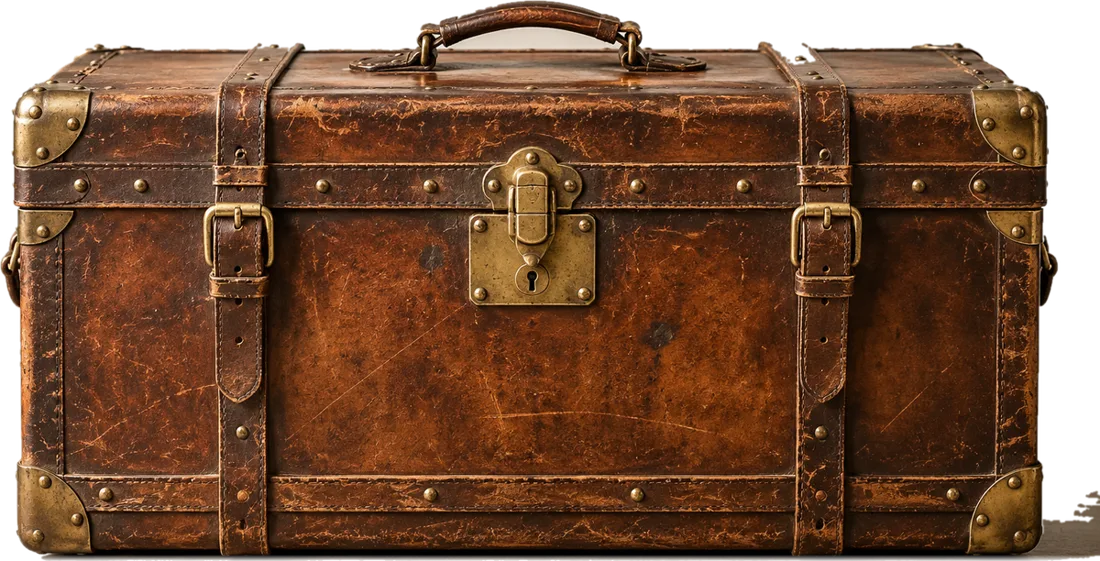
Solo or with the whole family, on a shoestring or in first class, the trunk fits the trip.
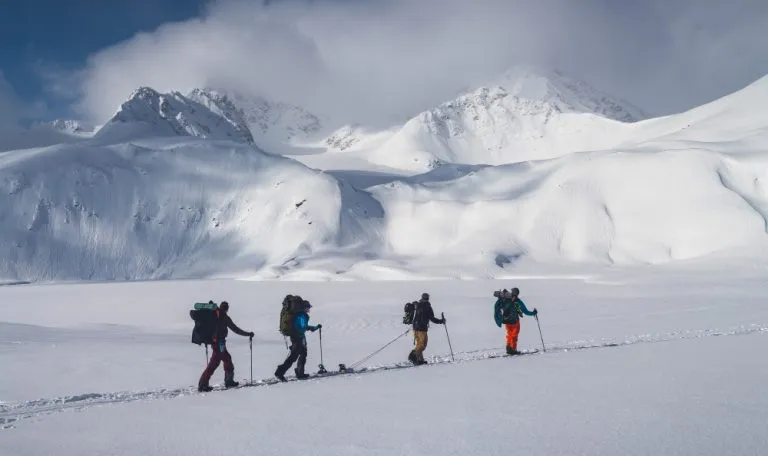
Seven national parks that are at their best from December to February, whether you want snow on red rock or a warm desert escape.

The holiday classics worth your time in New York City, how to group them by neighborhood, and how to see them without the worst of the crowds.

Eight American towns that go all in for the holidays, what makes each one special, and how to plan a festive weekend before December fills up.
Wander Off is a travel app for planning trips, booking travel and keeping the photos and memories from every adventure. Each trip lives in its own folder in your travel trunk, with places by day, bookings, photos and videos together.
Yes. Wander Off is free to download and use. When you book a flight, hotel or activity you pay the price shown at checkout.
Yes. When a friend or creator makes an adventure public, you can open their itinerary and tap Copy this trip. You get your own adventure with their places lined up on your dates, ready to change.
Open the adventure and tap Invite. Everyone on the trip can add photos, suggest places and vote on the plan.
Wander Off keeps a copy for viewing in the app. If you connect Google Photos, the full quality originals can also be saved to an album in your own Google account.
You decide for each adventure. Keep it private, share it with the people on the trip, or make it public so others can be inspired and copy it.
Everything is encrypted in transit and at rest, card payments go straight to Stripe, and we never sell your data. Read the full privacy policy for details.
Tour operators, hotel groups and travel creators: let's build trips people want to copy.
Download Wander Off free and start your first trunk today.